Independent. Human-Curated. Established 2007.
Business Communications Apps Are Becoming Operating Systems For Work, And Customer Service
Apple and iOS writer · 1,000+ articles for The Mac Observer · four WWDCs covered.
Key Takeaways: Customer Service Excellence
- 1Customer service means meeting needs as defined by the customer, not the business.
- 2A 5% increase in customer retention can raise profits by 25%–85%.
- 3The best plans combine proactive systems with trained, empowered frontline staff.
- 4Measure success with NPS, CSAT, and first-contact resolution metrics.
A business chat app has become far more than a place for coworkers to ask each other quick questions.
What started as an email alternative has increasingly overtaken meetings, file sharing, project work, automation, and notably, phone calls and customer conversations. The result is what businesses should expect from the software that’s at the center of their communications has shifted.
That shift also creates a divide between collaboration platforms and communications platforms. Slack and Microsoft Teams have built their strengths around helping employees work together, while communications-first platforms put business calling and customer interactions closer to the center.
Neither approach needs to replace the other. The more important question is whether a company's central communications platform can follow work wherever it goes, from an internal conversation to a customer call and everything in between.
Work Platforms Have Expanded Beyond Team Chat
There was a time when choosing a workplace communication app simply meant choosing where employees could chat. This is no longer enough.
Projects can begin in a team channel and move to video meetings. Documents will be produced and shared, tasks will be generated, and before long, a customer call is required. If these actions live in separate systems, employees will spend time needing to move information between them.
That is the value of a persistent team channel. Slack and Teams give employees a consistent space for conversations, files, decisions, and context rather than forcing everything into meetings that disappear when the call concludes.
Slack has expanded this model through channels, workflows, canvases, file sharing, huddles, and integrations. Meanwhile, Teams takes a similar approach as it connects chat, meetings, files, calling, and collaboration within the Microsoft 365 environment.
The number of features isn’t where the value lies for businesses. It is what happens when a conversation leads directly to a task, project update, approval, or other piece of work rather than becoming a message that gets left on read by a coworker.
Ecosystem Fit Makes Slack and Teams Strong Choices
Nobody wants to rebuild the workplace just to install another communications app. For businesses, there is practical reasoning behind leaning toward platforms that already play well with their software ecosystem.
A company deeply invested in Microsoft 365 already has reasons to look at Teams. Its identity, calendars, files, meetings, security controls, and administrative tools can fit into an environment the organization already uses.
Slack offers a different kind of ecosystem advantage. Its strength is in acting as a collaboration layer across other applications. Slack allows businesses to bring conversations together. This includes tools for CRM, productivity, content management, file storage, and other functions.
A business needs to consider its existing investments. Impressive as the features may be in a platform, it has little value if adoption means retraining employees, maintaining another administrative environment, and changing identity management.
This is also why there is no universal winner in the collaboration-platform conversation. For some companies, the smartest choice is the platform already woven into the way employees work.
But collaboration is only part of the business communications problem.
Business Telephony is the Next Layer
Employees can spend an entire workday in chat and meetings and still need to pick up the phone. Customers call, sales teams make calls, and support teams handle voice conversations.
Businesses still need a communications system that works when the conversation leaves the screen. That makes business telephony a natural next step for platforms that want to become the operating system for workplace communications.
Modern business phone systems are no longer just digital replacements for desk phones. They can bring together calling, business SMS, video meetings, routing, voicemail, and other communication tools while giving administrators centralized control over users and locations.
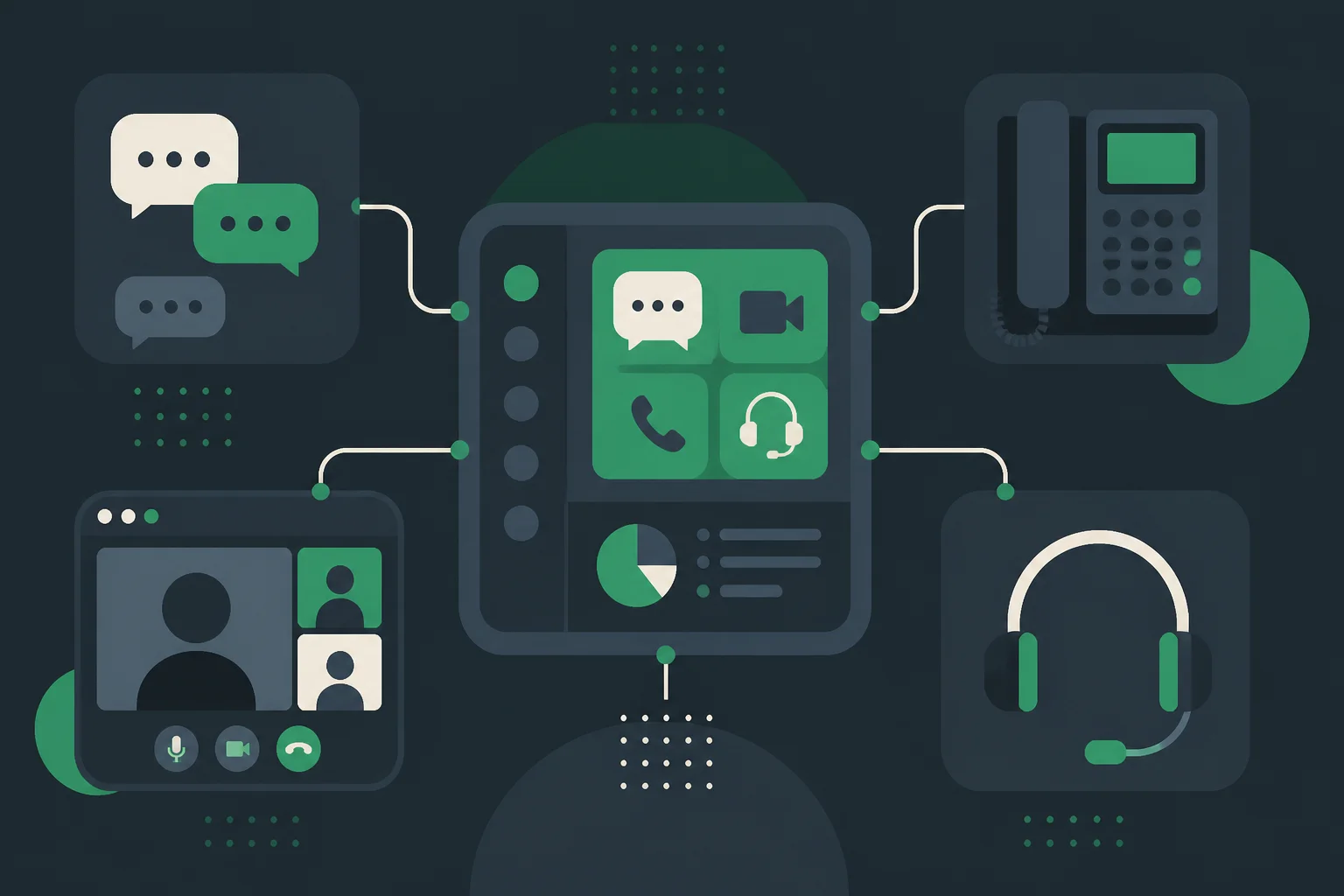
Communications-first platforms take this approach. They bring business voice, SMS, video meetings, team communication, file sharing, and call routing into a broader business communications environment, with customer-facing capabilities extending that model further.
That distinction matters. Adding a phone feature to a collaboration app is not necessarily the same thing as building a communications platform around the needs of a business.
Enterprise communications require more than the ability to make a call. They require centralized administration, identity controls, retention and compliance policies, routing, and visibility across users and locations.
In other words, the phone is becoming software, but the business requirements surrounding the phone have not disappeared.
Internal Communication and Customer Conversations Are Converging
The more interesting change is happening when internal and external communication start to overlap.
Consider what happens when a customer contacts a company. An employee may need to check an account, ask a coworker for help, review a previous conversation, make a phone call, send a text, and create a follow-up task.
Treating each step as a separate application creates unnecessary friction.
A shared inbox can eliminate some of that friction by giving a team a common view of inbound conversations. Employees can see who owns an interaction, whether someone has responded, and what still needs attention.
Omnichannel communication takes the idea further. A customer might start with web chat, switch to text, send an email, and eventually call.
The channels may change, but the customer should not have to become a completely new record every time. That is where a communications platform can begin to look less like workplace software and more like an operating system for customer interactions.
A communication-focused CRM can reinforce that idea by keeping calls, messages, tasks, and follow-ups on a unified customer timeline. Instead of forcing employees to reconstruct what happened across several systems, the relevant history is available where the next conversation takes place.
This is an important distinction between helping employees communicate and helping a business communicate.
Integrations, Automation and AI Turn Conversations Into Work
Integrations are useful because conversations rarely exist in isolation. The real test is what an employee can do after the conversation happens.
A message that creates a task, updates a CRM record, alerts another team, or triggers a routine process is far more useful than one that simply sits in a channel waiting for somebody to remember it.
Slack has built much of its appeal around connecting conversations with outside applications and workflows. Teams benefits from its close relationship with Microsoft 365.
Communications-focused platforms can take the same concept into calling, messaging, CRM, and customer service. Automation handles the predictable work. It can assign an inquiry, create a task, send a notification, or move information between systems when a predefined condition is met.
AI has a different role. Its biggest opportunity may not be replacing employees, but reducing the amount of communication employees have to manually process.
An AI assistant can summarize a meeting, identify action items, summarize a customer call, or surface useful information from a long conversation. That can save employees from spending time doing administrative work that adds little value.
There is an important limit, however. AI should be most useful when it assists employees and handles repetitive work, while humans retain oversight of consequential customer interactions.
A summary can be generated automatically. A sensitive customer decision may still deserve a human review.
Unified Communications and Contact Centers Are Moving Closer Together
Business communications and contact center software have traditionally occupied separate corners of the technology stack. One focused on employees, while the other focused on customers.
That division makes less sense when a customer interaction can involve several employees and several channels before it is resolved.
A modern contact center needs more than voice. Customers increasingly move between phone, chat, email, text, and other digital channels, and the business needs to maintain the context as they do.
The same principle applies internally. If a customer issue requires help from sales, billing, support, and an account manager, those employees should not have to piece together the customer's history from disconnected systems.
This is where a communications-first approach becomes relevant. Business calling, messaging, routing, shared inboxes, customer interactions, and AI-assisted communications can become parts of one connected environment rather than a collection of unrelated products.
That does not mean every company needs a full contact center. A small business with relatively simple customer interactions may need little more than reliable calling, messaging, and collaboration.
For organizations handling large volumes of customer conversations, however, the separation between unified communications and contact center software can become more of a liability than a benefit.
Suite Consolidation and Boutique Apps Solve Different Problems
There is an obvious appeal to consolidation. Fewer applications can mean fewer logins, fewer integrations, simpler administration, and fewer places for important information to get lost.
But "one platform" is not automatically better. A specialized CRM, contact center, project management system, or collaboration tool can still be the right choice when it solves a particular business problem substantially better than a broader suite.
The better way to approach the decision is to ask where communication actually sits in the company's workflow.
If internal collaboration dominates the workday and a company already relies heavily on Microsoft 365, Teams can be a natural center of gravity. If cross-application collaboration and persistent conversations are the priority, Slack can fill that role.
If business calling and customer interactions are central to the operation, a communications-first platform has a different argument to make. The goal should not be to replace every application with one enormous piece of software. It should be to stop communication from becoming a dead end.
Join the DirJournal newsletter
Weekly insights on directories, listings, SEO, and how businesses get found online.
No spam. Unsubscribe anytime.
Found this useful?
Share this article
Recommended for You

In-House vs. Agency: How to Choose an Agentic AI Workflow Architect
A senior agentic AI workflow architect commands $180,000 to $260,000 in base salary, and most…

7 Best SaaS Management Platforms for Micro-SaaS Stacks
The average small company now runs somewhere north of 40 SaaS subscriptions, and industry waste…

Best Data Visualization Tools: 12 Platforms Compared for BI, Dashboards, Monitoring, and Editorial Charts
Tableau is the best data visualization tool for enterprise analytics teams. Apache Superset is the…
Related Resources
Looking for verified service providers? Browse our directory categories below — all human-audited and trusted by decision-makers since 2007.